Event Management

Enter it once. It shows up everywhere.

Your website’s primary function is to sell tickets and distribute event information. Designed by an industry expert, UpStage’s Event Manager is unlike anything else in the field.

The front end

What Patrons See

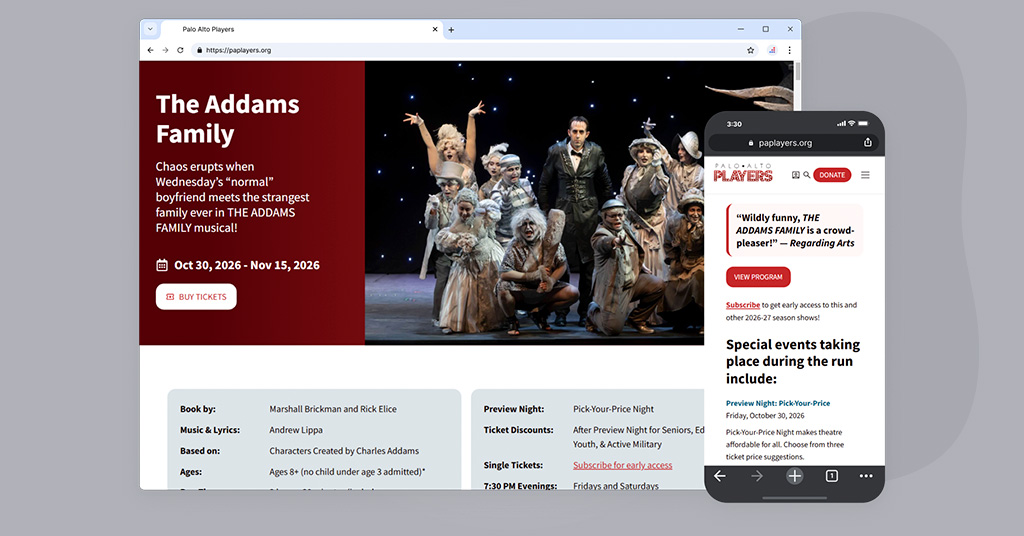
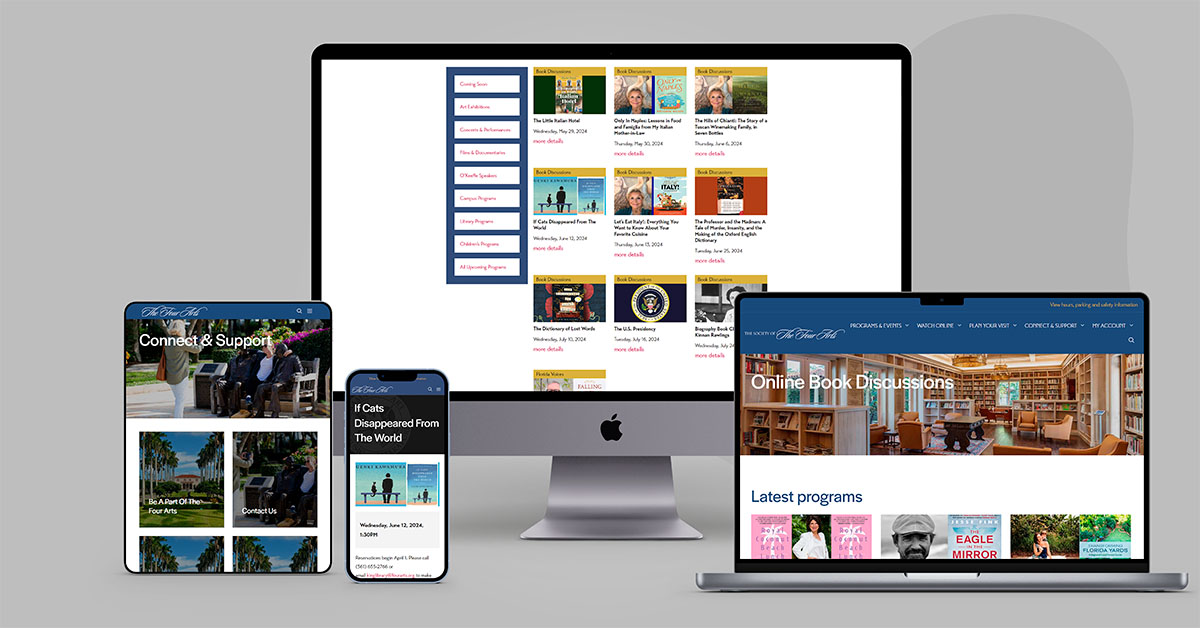
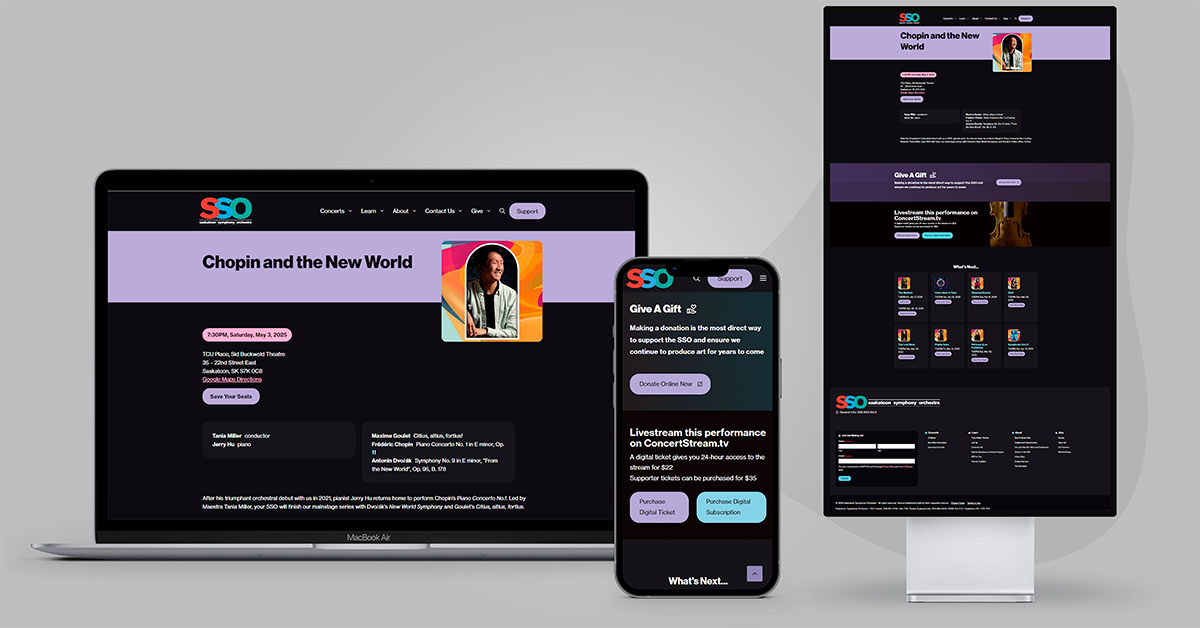
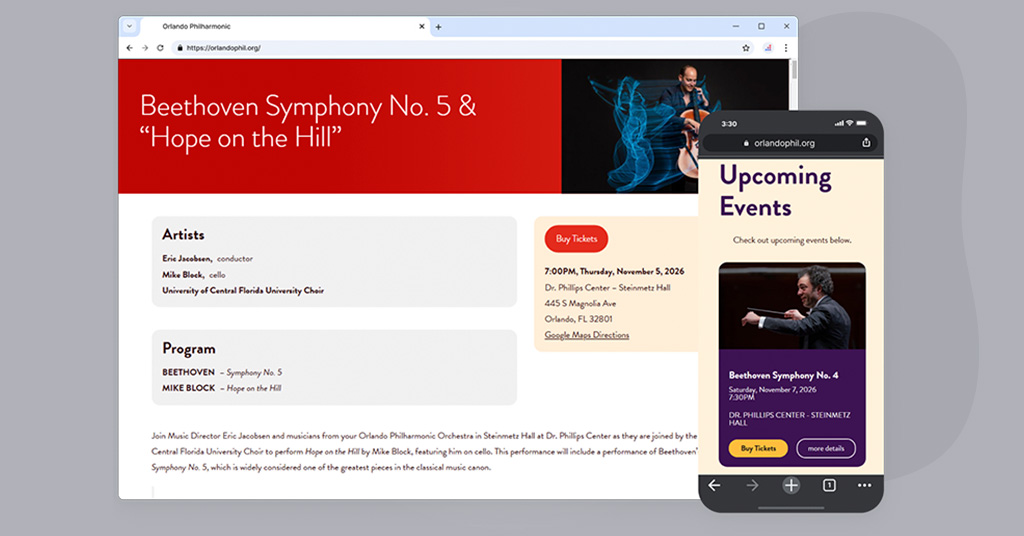
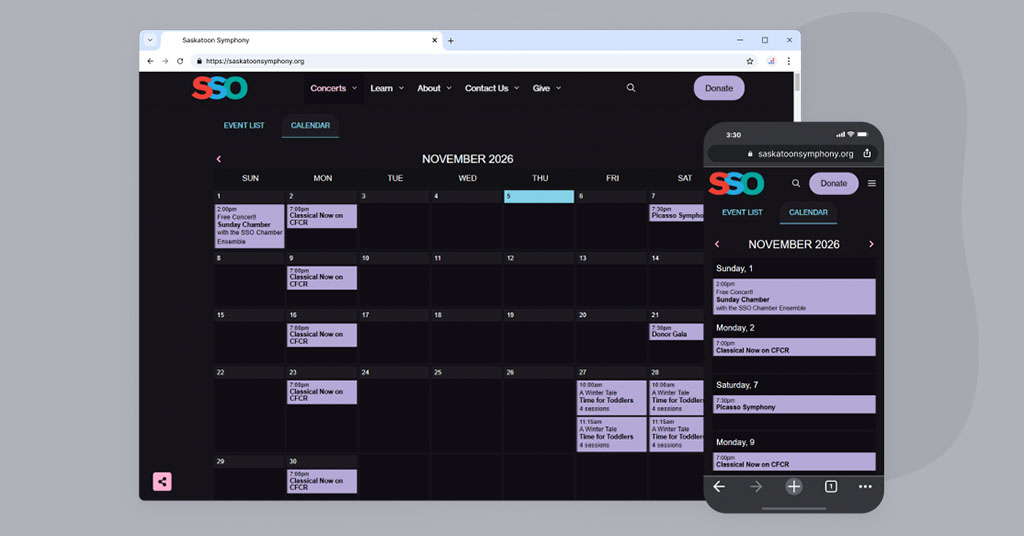
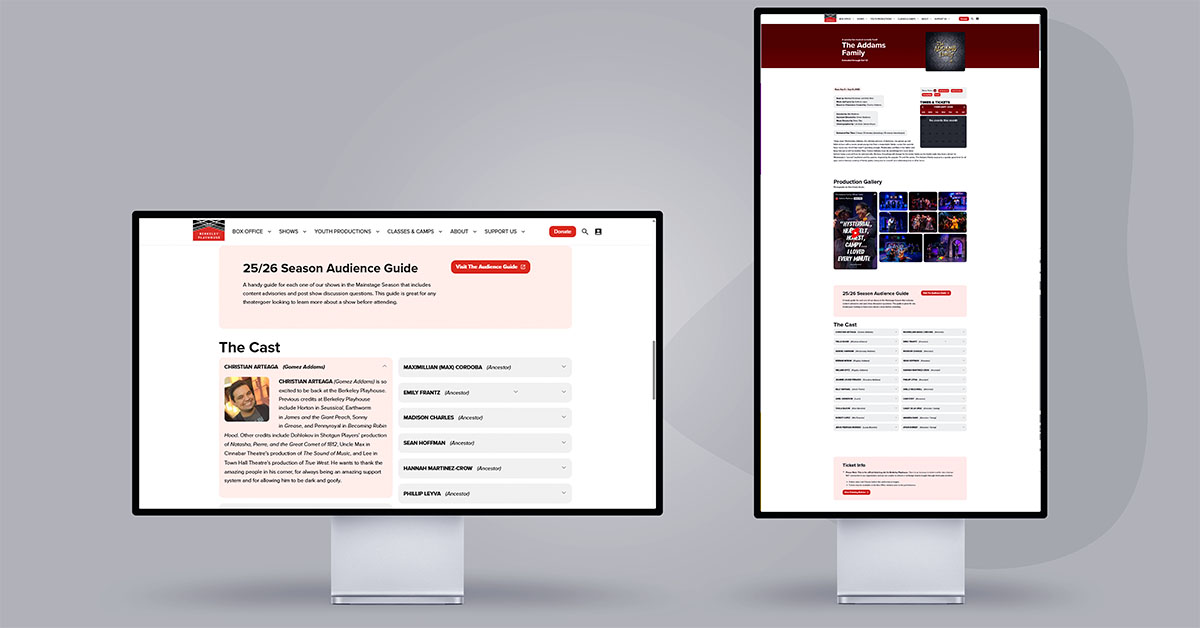
Nothing else available looks better or provides such an intuitive user experience.

It allows you to rapidly create and edit events with variable occurrences while freeing you from the hassle of having to replicate event data elsewhere throughout the site. Event details are automatically pulled into everything from individual event pages to index and subscription pages not to mention full page calendars and remarkably interactive event widgets.
Behind the scenes

Easy Admin Panels

We’re all about making your life easier and a big part of that is making sure you don’t have to repeat yourself.

Here are some examples of our event management admin panels to illustrate just how straightforward everything is.
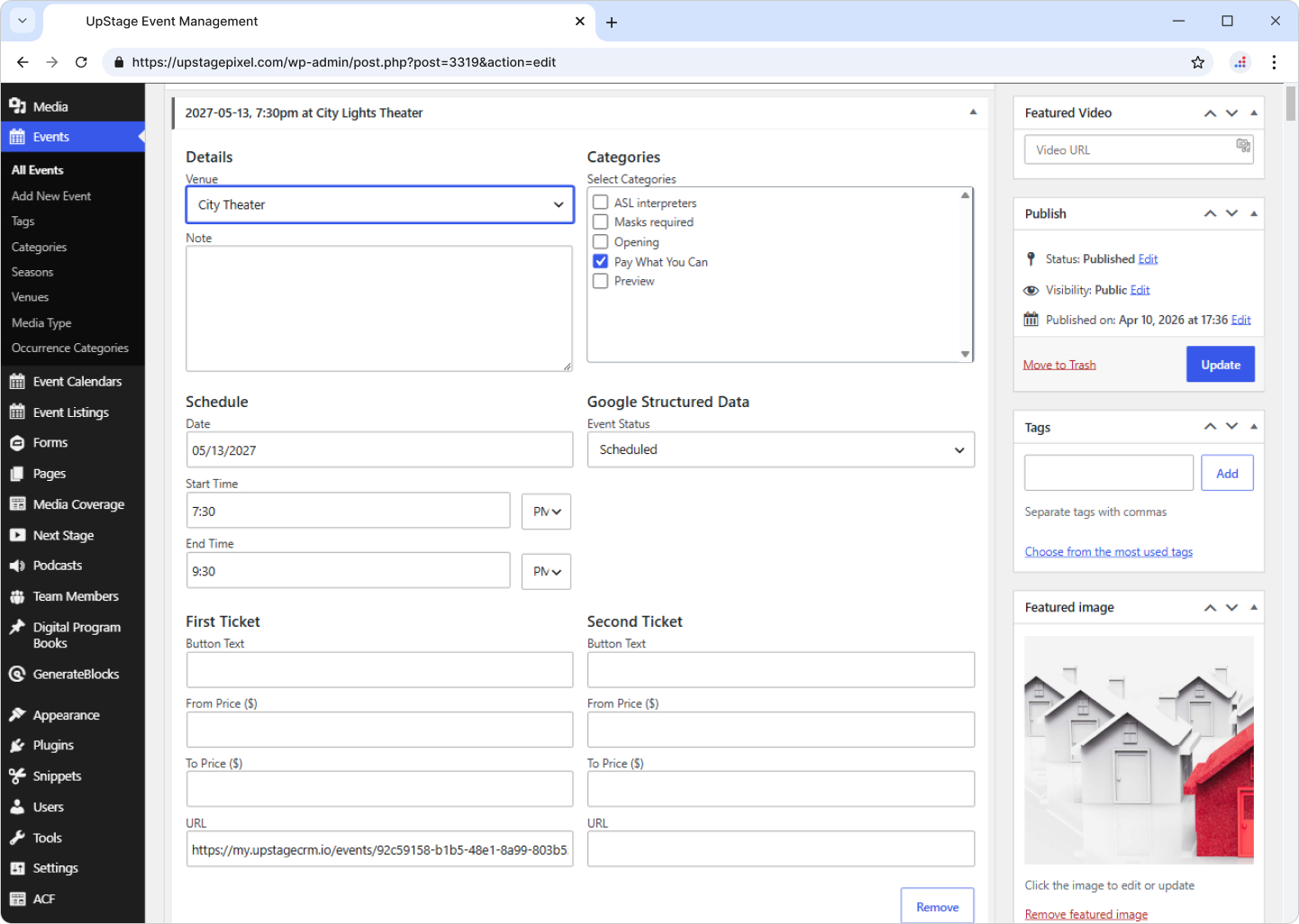
UpStage handles recurring events better than any other solution on the market. Everything is controlled inside a single event admin panel where the existing occurrence data can be duplicated with a single click. Any date, any frequency. You’ll be amazed at how easy everything is.

Create an array of specialized event lists, all with dozens of configurable options so you only show the events you want using the display style you want. All you have to do is copy and paste the shortcode into any page or post and UpStage does the heavy lifting by displaying all the relevant events.


The full list

More Features

Works With Any Ticketing Platform

Compatible with all self-hosted and off-site ticketing providers, though we recommend UpStage CRM. Add a URL to each occurrence and UpStage Event Manager pushes it to every ticket link and button.

Color Coded Event Categories

Assign a color to each event category and the system uses it throughout the calendars and event detail popups, so visitors can tell events apart at a glance.

100% Responsive Calendar

The calendar automatically condenses into a stacked view showing only days with scheduled events, so one calendar works on every device instead of making users switch views.

One And Done Simplicity

You only need to enter event information once, and it automatically populates all of your calendars, lists, and event widgets, with no copying details from page to page.

Simple Event Duplication

Clone any event with one click. It’s a great tool for replicating layout templates, so each new event starts from a layout you already like.

Flexible Ticket Pricing

Show ticket ranges, single prices, starting-at prices, free, or free with registration, set individually for each event occurrence on its event page.

Upcoming Event Widgets

Place different widgets on different pages, each filtered by category and count. Widgets can even detect the category of the page they’re on and show related upcoming events.

Venue Management

Enter each venue’s information once, then pick it from a venue menu on any event page instead of retyping the same details over and over.

Event Lists

The go-to display: chronological lists of events and occurrences, placed anywhere by shortcode, with dozens of filterable display options and settings for all or future events only.

Automatic Season Archiving

A dedicated add-on that builds full season archives or member-only archived event content, so past seasons stay organized and easy to find.